







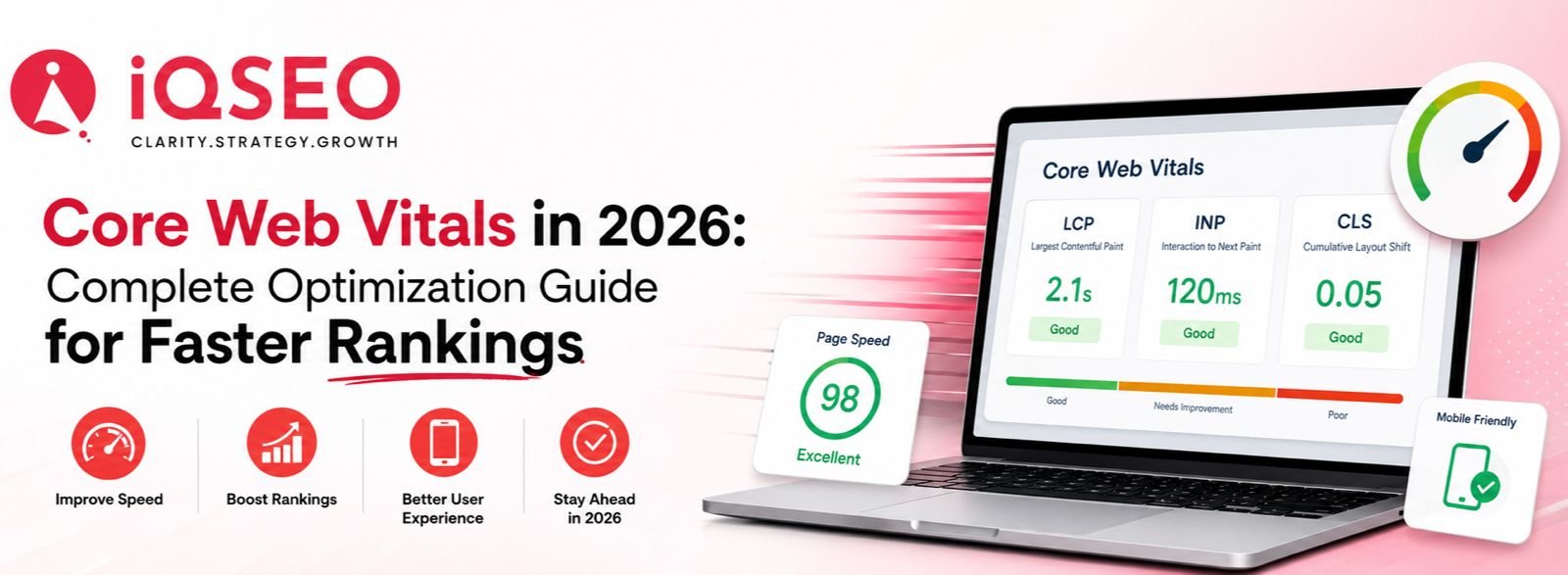
Website speed has evolved from being a technical enhancement to becoming an essential component of search engine optimization. In 2026, Google's ranking systems will continue to prioritize websites that provide users with fast-loading times, responsive interactions, and visually stable experiences. Even with valuable content and strong backlinks, a website that loads slowly or lacks proper optimization can impact search rankings, user engagement, and conversion rates.
Core Web Vitals are Google's standardized performance metrics that measure how users experience a webpage in real-world conditions. These metrics help determine whether visitors can access content quickly, interact without delays, and browse without unexpected layout shifts. Optimizing Core Web Vitals not only improves search visibility but also enhances customer satisfaction, reduces bounce rates, and increases conversion opportunities. Google continues to recommend achieving good Core Web Vitals as part of delivering a strong page experience.
This guide explains everything you need to know about Core Web Vitals in 2026, including the latest metrics, optimization strategies, common issues, and best practices for maintaining excellent website performance.
What Are Core Web Vitals?
Core Web Vitals are a collection of user experience metrics developed by Google to evaluate the loading performance, responsiveness, and visual stability of web pages. Unlike traditional speed tests, these metrics are based on real user data collected through Chrome browsers, making them more reliable indicators of actual website performance.
The three Core Web Vitals used in 2026 are:
-
Largest Contentful Paint (LCP)
-
Interaction to Next Paint (INP)
-
Cumulative Layout Shift (CLS)
Together, these metrics help search engines understand whether users are having a smooth browsing experience.
Why Core Web Vitals Matter for SEO
A technically optimized website offers numerous SEO benefits that go beyond achieving higher search rankings.
Benefits include:
-
Better user experience
-
Lower bounce rates
-
Higher engagement
-
Improved conversion rates
-
Faster crawling and indexing
-
Better mobile performance
-
Increased customer trust
Although Core Web Vitals are one of many ranking signals, improving them supports both user satisfaction and overall search performance.
The Three Core Web Vitals Explained
1. Largest Contentful Paint (LCP)
Largest Contentful Paint (LCP) measures the time it takes for the primary content on a webpage to become visible to users.
Good Score
Less than 2.5 seconds
Common Causes of Poor LCP
-
Slow server response
-
Large hero images
-
Render-blocking CSS
-
Heavy JavaScript
-
Poor hosting performance
-
Unoptimized fonts
How to Improve LCP
-
Compress images using WebP or AVIF
-
Enable browser caching
-
Use a Content Delivery Network (CDN)
-
Minify CSS and JavaScript
-
Remove unnecessary third-party scripts
-
Optimize server response time (TTFB)
-
Preload important assets
Google recommends keeping LCP under 2.5 seconds for a good user experience.
2. Interaction to Next Paint (INP)
Interaction to Next Paint measures how quickly your website responds after a user clicks, taps, or presses a key. INP replaced First Input Delay (FID) and is now the standard responsiveness metric.
Good Score
Less than 200 milliseconds
Common Causes
-
Excessive JavaScript execution
-
Long-running tasks
-
Third-party scripts
-
Heavy frameworks
-
Poor event handling
Optimization Tips
-
Reduce unused JavaScript
-
Split large JavaScript bundles
-
Delay non-critical scripts
-
Optimize event listeners
-
Reduce main-thread work
-
Use modern JavaScript techniques
3. Cumulative Layout Shift (CLS)
Cumulative Layout Shift (CLS) measures how visually stable a webpage remains while it loads. Unexpected movements while a page loads can frustrate users and lead to accidental clicks.
Good Score
Less than 0.1
Common Causes
-
Images without dimensions
-
Ads loading dynamically
-
Embedded videos
-
Late-loading fonts
-
Dynamic banners
How to Improve CLS
-
Define image width and height
-
Reserve space for ads and embeds
-
Use font-display strategies
-
Avoid inserting content above existing elements
-
Preload critical fonts
Core Web Vitals Benchmarks for 2026
|
Metric |
Good |
Needs Improvement |
Poor |
|
LCP |
≤2.5s |
2.5–4.0s |
>4.0s |
|
INP |
≤200ms |
200–500ms |
>500ms |
|
CLS |
≤0.1 |
0.1–0.25 |
>0.25 |
These thresholds remain Google's recommended targets for a strong page experience.
Best Tools to Measure Core Web Vitals
Several tools can help monitor and improve website performance:
-
Google PageSpeed Insights
-
Google Search Console
-
Lighthouse
-
Chrome DevTools
-
Chrome User Experience Report (CrUX)
-
GTmetrix
-
WebPageTest
Using both field data and lab data provides a more complete picture of performance. Google primarily evaluates Core Web Vitals using real-user field data from the Chrome User Experience Report.
Advanced Core Web Vitals Optimization Tips
For websites aiming to compete in highly competitive industries, advanced performance optimization can make a measurable difference.
Consider implementing:
-
Server-side rendering (SSR)
-
Edge caching
-
HTTP/3 support
-
Brotli compression
-
Critical CSS generation
-
Lazy loading for below-the-fold images
-
Next-generation image formats
-
Code splitting
-
Tree shaking
-
Font optimization
-
Resource preloading
-
DNS prefetching
-
Efficient database queries
-
Performance budgets during development
These practices reduce load times and improve responsiveness across devices.
Common Core Web Vitals Mistakes
Many websites fail Core Web Vitals due to avoidable issues, including:
-
Uploading oversized images
-
Using too many plugins
-
Excessive third-party scripts
-
Poor hosting infrastructure
-
Blocking JavaScript
-
Missing browser caching
-
No CDN implementation
-
Auto-playing media
-
Large font files
-
Unoptimized CSS
Addressing these issues often leads to noticeable improvements in both performance and user experience.
Core Web Vitals and Mobile SEO
More than ever, mobile users expect websites to load instantly and respond smoothly. Since most traffic comes from smartphones, mobile optimization plays a significant role in improving Core Web Vitals. Responsive layouts, optimized images, streamlined scripts, and mobile-friendly designs work together to improve website performance and increase user engagement.
How IQ SEO Can Help
At IQ SEO, we provide technical SEO and website performance optimization services that help businesses improve Core Web Vitals while maintaining a seamless user experience. Our team performs in-depth performance audits, identifies bottlenecks affecting LCP, INP, and CLS, and implements practical improvements that align with Google's latest recommendations.
Whether you run a business website, an eCommerce store, or an enterprise platform, our optimization strategies are designed to improve search visibility, enhance user experience, and support long-term organic growth.
Conclusion
Core Web Vitals remain a critical part of technical SEO in 2026. While content quality and relevance continue to drive search success, website performance directly influences how users interact with your pages. Faster loading, responsive interactions, and stable layouts create a better experience for visitors and support stronger search performance.
By regularly monitoring LCP, INP, and CLS, optimizing assets, reducing unnecessary scripts, and following Google's best practices, businesses can create websites that perform well for both users and search engines. Core Web Vitals should be viewed as an ongoing optimization process rather than a one-time task, ensuring your website remains competitive as technology and user expectations evolve.
Frequently Asked Questions
-
What are Core Web Vitals?
Core Web Vitals are Google's performance metrics that measure loading speed (LCP), responsiveness (INP), and visual stability (CLS) to evaluate real-world user experience.
-
Do Core Web Vitals affect SEO rankings?
Yes. Core Web Vitals are part of Google's page experience signals. While not the only ranking factor, good scores contribute to a better user experience and can support stronger search performance.
-
What replaced First Input Delay (FID)?
Interaction to Next Paint (INP) replaced First Input Delay (FID) as Google's responsiveness metric, providing a more comprehensive measure of how quickly a page responds throughout a user's visit.
-
Which tool is best for checking Core Web Vitals?
Google PageSpeed Insights and Google Search Console are among the most reliable tools, as they combine lab diagnostics with real-user performance data.
-
How often should I monitor Core Web Vitals?
Review your Core Web Vitals regularly—especially after major website updates, design changes, or plugin installations. Monthly monitoring helps catch regressions before they impact users or search visibility.