







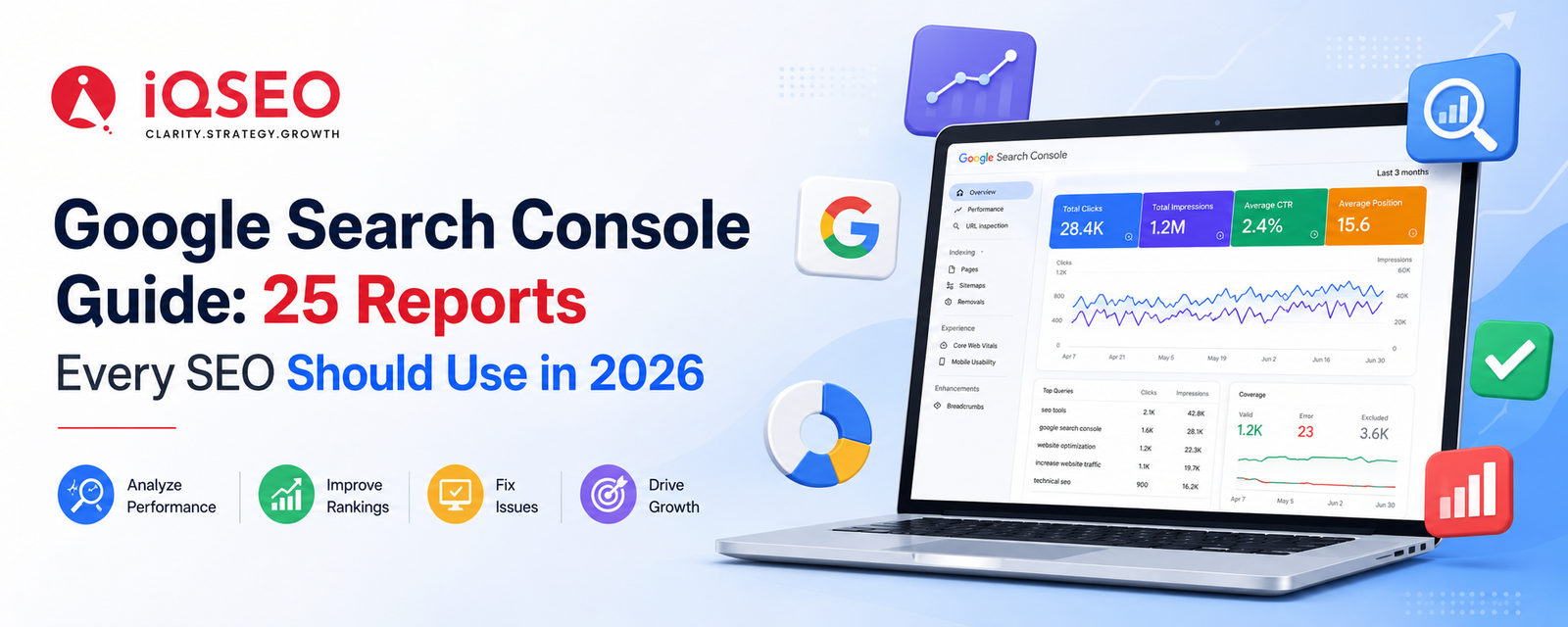
Google Search Console (GSC) continues to be one of the most powerful free SEO tools available in 2026. While AI-powered search experiences, Core Web Vitals, and Search Generative Experience (SGE) have changed how websites earn visibility, Search Console remains the primary source of data directly from Google.
Whether you're an SEO executive, digital marketer, website owner, or business managing multiple websites, understanding every important report inside Google Search Console helps you identify opportunities, fix technical issues, and improve your search performance.
In this guide, we'll explore the 25 most valuable Google Search Console reports and features that every SEO professional should use in 2026.
Why Google Search Console Matters in 2026
Google Search Console provides first-party data directly from Google Search. Unlike third-party SEO tools that estimate rankings or traffic, GSC shows exactly how Google crawls, indexes, and ranks your website.
Benefits include:
-
Identify ranking keywords
-
Monitor impressions and clicks
-
Discover indexing issues
-
Improve Core Web Vitals
-
Track mobile usability
-
Find crawl errors
-
Optimize structured data
-
Improve website visibility
For any SEO strategy, Search Console should be checked regularly alongside Google Analytics.
1. Performance Report
The Performance report is the most frequently used section in Google Search Console.
It shows:
-
Total Clicks
-
Total Impressions
-
Average CTR
-
Average Position
This report helps identify which keywords bring traffic and which pages have ranking opportunities.
Use filters for:
-
Search Queries
-
Landing Pages
-
Countries
-
Devices
-
Search Appearance
-
Date Comparison
2. Search Queries Report
The Queries section reveals the keywords users searched before clicking your website.
Use it to:
-
Find hidden keyword opportunities
-
Improve existing content
-
Identify declining keywords
-
Build topic clusters
Focus on keywords ranking between positions 8–20, as they often require only minor optimization to reach the first page.
3. Pages Report
This report displays which pages generate organic traffic.
Review:
-
Top-performing pages
-
Pages losing clicks
-
Pages with declining impressions
-
Low CTR pages
Update these pages regularly with fresh content and improved internal links.
4. Country Report
If your business targets multiple regions, the Country report helps determine where your visitors come from.
You can identify:
-
High-performing countries
-
Local SEO opportunities
-
International content gaps
5. Device Report
Compare performance across:
-
Desktop
-
Mobile
-
Tablet
If mobile CTR is significantly lower than desktop, review mobile speed, responsive design, and user experience.
6. Search Appearance Report
This report shows how your content appears in Google Search.
Examples include:
-
Rich Results
-
FAQ snippets
-
Product snippets
-
Video results
Use this report to evaluate the effectiveness of your structured data implementation.
7. Date Comparison Report
Compare performance over:
-
Last 7 days
-
Last 28 days
-
Last 3 months
-
Year over Year
This helps identify algorithm impacts, seasonal trends, and content growth.
8. URL Inspection Tool
One of the most valuable tools for technical SEO.
It shows:
-
Index status
-
Canonical URL
-
Crawl information
-
Structured data
-
Mobile usability
-
Page resources
You can also request indexing after updating content.
9. Page Indexing Report
This report replaces the older Coverage report.
It explains:
-
Indexed pages
-
Crawled but not indexed
-
Discovered but not indexed
-
Duplicate pages
-
Soft 404 errors
-
Blocked pages
Regularly monitor this report to ensure important pages are indexed.
10. Video Indexing Report
If your website contains videos, this report identifies indexing issues such as:
-
Missing thumbnails
-
Unsupported formats
-
Video outside viewport
-
Invalid structured data
Optimizing video SEO increases visibility in Google Video Search.
11. Sitemaps Report
Submit XML sitemaps here.
Monitor:
-
Submitted URLs
-
Indexed URLs
-
Processing errors
-
Sitemap status
Always keep your sitemap updated after publishing new content.
12. Core Web Vitals Report
Core Web Vitals continue to play a significant role in Google's ranking algorithm.
This report identifies pages with:
-
Poor performance
-
Needs improvement
-
Good performance
Metrics include:
-
Largest Contentful Paint (LCP)
-
Interaction to Next Paint (INP)
-
Cumulative Layout Shift (CLS)
Optimizing these metrics helps improve both search rankings and overall user experience.
13. HTTPS Report
Google prioritizes secure websites.
The HTTPS report identifies pages with:
-
Mixed content
-
Security warnings
-
Missing HTTPS
Ensure every page is served securely.
14. Shopping Report
E-commerce websites can monitor:
-
Product structured data
-
Merchant listings
-
Shopping eligibility
This report helps products appear in Google Shopping.
15. Product Snippets Report
Monitor product schema validation.
Common issues include:
-
Missing price
-
Missing availability
-
Invalid review schema
Fixing these improves rich results.
16. Breadcrumb Report
This report validates Breadcrumb Schema.
Proper breadcrumbs improve:
-
Navigation
-
Internal linking
-
Rich snippets
17. FAQ Rich Results Report
If your website uses FAQ Schema, monitor validation errors here.
Check for:
-
Invalid markup
-
Missing required fields
-
Schema warnings
18. Review Snippet Report
Businesses using review schema should monitor:
-
Rating validation
-
Structured data errors
-
Missing fields
Correct implementation increases SERP visibility.
19. Sitelinks Searchbox Report
Large websites can implement SearchAction schema.
This report ensures Google's sitelinks search box functions correctly.
20. Manual Actions Report
One of the most critical reports.
Google lists penalties for issues such as:
-
Spam
-
Cloaking
-
Unnatural backlinks
-
Thin content
If a manual action appears, resolve the issue promptly and submit a reconsideration request.
21. Security Issues Report
This report alerts you if Google detects:
-
Malware
-
Hacked content
-
Phishing
-
Harmful downloads
Address security issues immediately to protect users and rankings.
22. Links Report
The Links report provides insights into your backlink profile.
It includes:
-
External links
-
Internal links
-
Top linking sites
-
Most linked pages
-
Anchor text
Use this information to strengthen your internal linking strategy and evaluate backlink quality.
23. Crawl Stats Report
Available within Search Console Settings, Crawl Stats shows how Googlebot interacts with your website.
Metrics include:
-
Crawl requests
-
Response times
-
File types
-
Host status
Monitoring crawl behavior helps detect server issues and optimize crawl efficiency.
24. Removals Tool
Need to temporarily hide a page from Google Search?
Use the Removals tool to:
-
Remove outdated URLs
-
Hide confidential pages temporarily
-
Clear cached content
Remember that this is a temporary solution. Permanent removal requires proper technical implementation, such as returning the correct HTTP status or using noindex where appropriate.
25. Search Console Insights
Search Console Insights combines search performance with content engagement, making it easier to understand how users discover your content.
Use it to identify:
-
Your most popular content
-
Trending pages
-
Growing search queries
-
Content opportunities
It's especially useful for content marketers who want a simplified view of performance trends.
Best Practices for Using Google Search Console in 2026
To get the most value from Google Search Console:
-
Check the Performance report weekly to monitor keyword trends.
-
Review the Page Indexing report after publishing new content.
-
Submit updated XML sitemaps whenever significant pages are added.
-
Fix Core Web Vitals issues to improve user experience.
-
Validate structured data regularly to maintain eligibility for rich results.
-
Monitor manual actions and security issues to protect your site's visibility.
-
Use URL Inspection after making important page updates to request re-indexing.
-
Compare data month-over-month to identify performance changes and SEO opportunities.
Common Mistakes to Avoid
Many website owners fail to take full advantage of Google Search Console. Avoid these common mistakes:
-
Ignoring pages that are "Crawled – currently not indexed."
-
Focusing only on clicks instead of impressions and CTR.
-
Forgetting to monitor mobile performance separately.
-
Neglecting structured data errors and warnings.
-
Submitting outdated or incomplete XML sitemaps.
-
Failing to update content for keywords ranking on the second page of Google.
-
Overlooking crawl errors and server response issues.
A proactive approach to monitoring GSC reports can prevent traffic losses and uncover opportunities for continuous SEO improvement.
Final Thoughts
Google Search Console is far more than a reporting tool—it is the foundation of a successful SEO strategy. By regularly reviewing these 25 essential reports, you can understand how Google views your website, identify technical issues before they impact rankings, uncover valuable keyword opportunities, and make data-driven decisions that improve organic performance.
As search continues to evolve in 2026 with AI-powered results, richer search experiences, and stricter quality standards, staying informed through Google Search Console is more important than ever. Make it a habit to review your reports consistently, act on the insights they provide, and continuously optimize your website. The businesses that use Search Console effectively will be better positioned to achieve sustainable search visibility and long-term organic growth.
Frequently Asked Questions
1. What is Google Search Console used for?
Google Search Console is a free tool from Google that helps website owners monitor search performance, fix indexing issues, track keyword rankings, and improve technical SEO.
2. How often should I check Google Search Console?
For active websites, it's recommended to review key reports such as Performance, Page Indexing, and Core Web Vitals at least once a week.
3. Which Google Search Console report is most important?
The Performance report is generally the most valuable because it provides insights into clicks, impressions, CTR, average position, and keyword performance.
4. Can Google Search Console improve SEO rankings?
While Search Console itself doesn't directly improve rankings, the insights it provides help you fix technical issues, optimize content, and enhance your website's search performance.
5. What is the difference between Google Analytics and Google Search Console?
Google Analytics tracks user behavior after visitors arrive on your website, while Google Search Console focuses on how users discover your site through Google Search and how Google crawls and indexes your pages.