






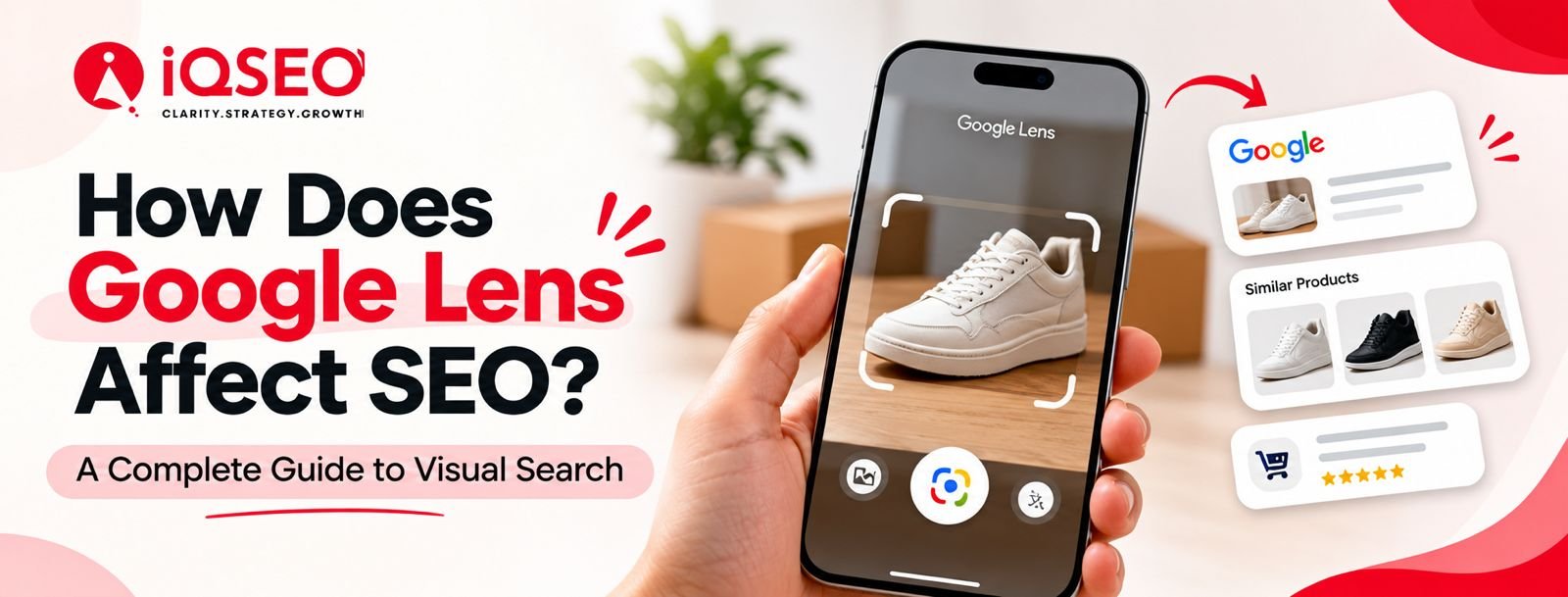
Search has evolved beyond simply entering keywords into Google. Today, people can take a picture of a product, scan an object with their phone camera, or upload an image to find relevant information online. This is where Google Lens plays a key role.
For businesses and website owners, this shift creates a new opportunity to reach potential customers through visual search. Well-optimized images help people find products, learn about services, and discover useful information through visual search without entering text-based queries.
But how exactly does Google Lens affect SEO? Does image optimization help websites gain more visibility? And what should businesses do to prepare for the growing use of visual search?
In this guide, we will explore how Google Lens works, its relationship with SEO, and the practical steps you can take to improve your website's visual search visibility.
What Is Google Lens?
Google Lens is an image recognition technology that helps users search for information using pictures and their smartphone cameras. Instead of describing something in words, users can point their camera at an object or upload an existing image to discover related information.
For instance, a person might spot a pair of shoes they love but have no idea which brand makes them. They can use Google Lens to scan the shoes and discover visually similar products, relevant web pages, and shopping options.
Google Lens can also recognize plants, identify landmarks, translate text from images, scan documents, and help users explore products they encounter in everyday life.
From an SEO perspective, this changes how people discover online content. Images have evolved beyond being mere visual additions to a webpage. They can also become an entry point through which users find a business, product, or website.
How Does Google Lens Affect SEO?
Google Lens opens up new ways for websites to gain visibility through image-based searches. While traditional SEO emphasizes search queries, user intent, and relevant content, visual search adds another layer to how users discover information online.
Here are five key ways Google Lens can shape modern SEO strategies.
1. Images Can Become a Source of Organic Traffic
Companies typically prioritize improving their website rankings on Google's regular search results page. However, potential customers can also find their content through Google Images and other image-based search platforms..
When a website contains relevant, accessible, and well-optimized images, those images may be eligible to appear in Google's visual search experiences.
Consider an interior design company that publishes original photographs of modular kitchens. Someone looking for similar kitchen designs may discover one of those images and visit the website to explore the company's services.
This creates another potential route for organic discovery beyond traditional text-based searches.
To improve your chances of image discovery, use original visuals, descriptive filenames, meaningful alt text, and relevant surrounding content. Keep in mind that image optimization can enhance visibility, but it cannot guarantee that a specific image will appear in Google Lens results.
2. Image Optimization Becomes More Important
Image optimization has always been part of SEO, but visual search gives businesses another reason to pay attention to it.
Search engines use several signals to understand images, including visual information, page content, and image metadata. Descriptive filenames and alt text can provide additional context about what an image represents.
For example, compare these two image filenames:
-
IMG_20261001.jpg
-
modern-modular-kitchen-design.jpg
The second filename gives a more accurate and descriptive indication of the image's content.
Similarly, an image of a modular kitchen should have alt text that accurately describes what is visible, rather than a list of unrelated keywords.
These improvements help search engines understand your visual content and make your website more accessible to users who rely on screen readers.
3. Product Discovery Can Become Easier for Customers
Google Lens is particularly useful for businesses that sell physical products online.
Customers do not always know the exact name, model, or brand of an item they want to purchase. Sometimes, they only have a photograph or a reference image.
For example, a user may photograph a handbag, furniture piece, dress, or pair of shoes and search for visually similar products. As a result, users may discover relevant product pages through visual search.
For e-commerce websites, this creates an opportunity to connect product images with useful product information.
Businesses should prioritize high-quality product images, precise descriptions, meaningful image filenames, and user-friendly product pages. Where appropriate, they should also implement valid Product structured data and keep product details consistent with the information displayed to customers.
These practices help search engines understand the products and pages associated with the images.
4. Relevant Page Content Helps Search Engines Understand Images
An image rarely exists in isolation. The webpage surrounding it can provide important information about its subject.
For example, an image of a dental clinic may not clearly communicate its full meaning without additional context. If the image appears on a page describing dental treatments, the surrounding text can help clarify its relevance.
Google recommends placing images near relevant text and providing useful alt text. This helps search engines interpret the relationship between the visual and the page's subject.
For website owners, the takeaway is straightforward: do not upload images simply to fill empty spaces on a webpage.
Each key image should align with the page's main objective and reinforce its content. Add relevant headings, informative descriptions, captions where useful, and content that answers the visitor's questions.
A strong combination of visual content and helpful written information gives users and search engines a clearer understanding of your website.
5. Visual Search Creates New Opportunities for Local Businesses
Local businesses can also benefit from making their visual content more discoverable.
Consider a restaurant, hotel, interior designer, salon, or real estate company. Potential customers may use images to explore places, compare designs, or find businesses offering a particular service.
A person searching for a specific interior style, for example, may discover an image of a completed project and visit the company's website to learn more.
Businesses can support this discovery process by publishing original photographs of their premises, products, completed projects, and services.
Use descriptive image filenames, accurate alt text, relevant service-page content, and consistent business information. For local SEO, keep your Google Business Profile details accurate and use genuine photographs that represent the business.
These actions support overall search visibility, although appearing in Google Lens or generating a local lead through visual search is never guaranteed.
How to Optimize Your Website for Google Lens
You do not need a completely separate SEO strategy for Google Lens. Many established image SEO practices also support visual discovery.
The following steps can help you prepare your website.
1. Use High-Quality, Original Images
Original images can help distinguish your website from competitors that use the same stock photographs.
Whenever possible, use photographs of your actual products, services, projects, premises, or team. Make sure the subject is clear and the image is relevant to the page.
For example, an interior design company can publish photographs of completed kitchen installations instead of relying entirely on generic interior design images.
High-quality visuals can also help potential customers understand what your business offers before contacting you.
2. Write Descriptive Image Alt Text
Alt text describes the content or purpose of an image. It supports accessibility and helps search engines understand visual content.
Instead of using vague alt text such as "image1" or repeating the same keyword across every photograph, describe what is actually shown.
For example:
Poor alt text: best interior designer modular kitchen interior design Bangalore
Better alt text: White and wood-finish modular kitchen with overhead cabinets
The second example is specific, natural, and useful to someone who cannot see the image.
Not every decorative image needs descriptive alt text. Decorative images should generally use an empty alt attribute so screen readers can skip them.
3. Optimize Image File Names
Before uploading an image, rename the file to reflect its content.
For example:
-
Avoid: DSC00125.jpg
-
Prefer: wooden-modular-kitchen-design.jpg
Keep filenames concise, descriptive, and relevant to the page. Avoid forcing multiple keywords into a single filename.
This is a small optimization, but it contributes to a clearer image organization and provides search engines with additional context.
4. Use Search-Friendly Image Formats
Google supports several common image formats, including JPEG, PNG, WebP, SVG, GIF, BMP, and AVIF.
Choose a format that suits the image and your website's requirements. Compress images appropriately to reduce file size without noticeably damaging visual quality.
Large image files can slow down a webpage, especially on mobile devices. Responsive images and suitable image dimensions help deliver a better user experience.
For most websites, WebP or AVIF can be useful options for photographic content, provided the site's implementation supports them correctly.
5. Add Images to Relevant Webpages
Avoid uploading images without considering the page on which they appear.
A product photograph belongs on the relevant product page. A completed interior project should appear alongside information about that project or service.
Use nearby text, headings, and captions where appropriate to explain what the image represents.
This creates a more useful experience for visitors and provides additional context for search engines.
6. Implement Relevant Structured Data
Structured data helps search engines interpret specific information about a webpage.
Depending on the website, relevant options may include Product, Article, Organization, LocalBusiness, or other supported schema types.
For example, an e-commerce website can use Product structured data to describe a product, including supported information such as its name, image, price, availability, and brand.
A blog post can use Article or BlogPosting structured data with a representative image.
Structured data must accurately reflect the visible content of the page and follow Google's guidelines. It does not guarantee improved rankings or placement in Google Lens.
7. Make Images Accessible to Google
Even well-optimized images cannot perform in search if Google cannot discover or access them.
Use standard HTML image elements with valid image URLs. Avoid unintentionally blocking important images through robots.txt rules or other technical restrictions.
An image sitemap may help Google discover images that are otherwise difficult to find. You should also check that the page containing each image is accessible and eligible for indexing.
Google Search Console's URL Inspection tool can help you investigate whether Google can access a particular webpage.
8. Improve the Mobile Experience
Google Lens is closely associated with camera-based and mobile search experiences, making mobile usability important for businesses targeting visual discovery.
Ensure that your website works properly on smaller screens. Images should resize appropriately, text should remain readable, and important information should not be hidden behind difficult navigation.
Optimize page loading times by compressing images, using responsive image techniques, and avoiding unnecessary scripts.
A fast, mobile-friendly website makes it easier for visitors to explore your content after discovering it through an image.
Google Lens SEO vs. Traditional SEO
Google Lens and traditional SEO serve related but different discovery needs.
|
Factor |
Traditional SEO |
Google Lens and Visual Search |
|
Starting point |
Text queries and other search inputs |
Images, camera captures, and visual queries |
|
Main optimization focus |
Content relevance, technical SEO, authority, and user intent |
Image discoverability, visual relevance, accessibility, and page context |
|
Useful content |
Articles, service pages, product pages, and landing pages |
Original images supported by relevant webpages and descriptions |
|
Common opportunities |
Organic clicks, leads, and conversions |
Visual discovery, product exploration, and potential website visits |
|
Measurement |
Search impressions, clicks, rankings, and conversions |
Available image-search metrics, landing-page traffic, and conversions where measurable |
These approaches should not be treated as competing strategies. A well-structured website with useful content, strong technical foundations, and properly optimized images can support both.
Common Google Lens SEO Mistakes to Avoid
Businesses sometimes overlook simple image optimization issues while concentrating on keyword rankings. Avoiding the following mistakes can help maintain a stronger overall SEO foundation.
Using generic images everywhere: Stock photographs can be useful, but original images may communicate your products, projects, or services more accurately.
Ignoring alt text: Missing or unhelpful alt text can reduce accessibility and remove useful descriptive context.
Stuffing keywords into image metadata: Repeating keywords unnaturally does not make an image more relevant. Write descriptions for real users.
Uploading oversized images: Large files can slow down important landing pages and create a poor mobile experience.
Ignoring surrounding content: Images without relevant page context may be harder for users to understand and less informative to search engines.
Assuming image optimization guarantees rankings: No single image SEO technique guarantees Google Lens visibility. Discovery depends on relevance, accessibility, indexing, and Google's automated systems.
How to Measure the SEO Impact of Google Lens
Measuring the impact of visual search requires more than checking whether an image appears in search results.
Start with Google Search Console. Review the Performance report and filter by the Search type available for image search. This helps you understand impressions, clicks, click-through rate, and average position for eligible image-search results.
Next, use Google Analytics 4 to examine organic landing-page traffic, engagement, and conversions. Look for changes in visits to pages that contain important product images, project photographs, or visual content.
You can also monitor which pages attract organic traffic, whether visitors engage with the content, and whether those visits contribute to enquiries or sales.
Keep in mind that Google Search Console's image-search reporting is not a complete report of Google Lens usage. You may not be able to isolate every visit or conversion that originated from a Lens interaction.
A practical measurement process combines available Search Console data, analytics reports, and business outcomes rather than relying on a single metric.
Frequently Asked Questions
1. Does Google Lens affect SEO rankings?
Google Lens creates another way for users to discover visual content, but optimizing for Lens is not a separate ranking shortcut. Good image SEO practices can improve image understanding and discoverability, while standard SEO remains important for the webpages themselves.
2. How can I make my website images easier to discover through Google Lens?
Use clear, relevant images, descriptive filenames, accurate alt text, useful surrounding content, and accessible image URLs. Make sure Google can crawl the relevant pages and images. These practices improve discoverability but cannot guarantee that a specific image will appear in Lens results.
3. Is alt text important for Google Lens SEO?
Yes. Alt text helps describe an image's subject and improves accessibility. Google also uses visual understanding and page context, so alt text should complement the image rather than act as a substitute for a relevant, useful webpage.
4. Does Google Lens help e-commerce websites?
Google Lens can help users discover and compare visually similar products. E-commerce businesses can support this journey with clear product photography, accurate descriptions, accessible product pages, and valid Product structured data where appropriate.
5. Can local businesses benefit from Google Lens?
Local businesses may benefit when users discover relevant photographs of their premises, products, or completed work. Original images, accurate business information, and useful local landing pages can support broader discoverability, although Lens-specific traffic is not guaranteed.
6. Can I track Google Lens traffic in Google Analytics 4?
You can monitor organic landing-page traffic and conversions in GA4, and use Google Search Console to review available image-search performance data. However, these tools do not necessarily identify every session that originated from Google Lens separately.
Conclusion: Make Visual Search Part of Your SEO Strategy
Google Lens highlights an important change in online discovery: people can now begin their search with what they see rather than only what they type.
For businesses, this creates another reason to invest in image SEO. Original visuals, descriptive alt text, relevant page content, structured data, and a technically accessible website can help search engines understand your images and make them eligible for discovery.
The best approach is not to abandon traditional SEO or chase a separate Google Lens ranking trick. Instead, build a website that combines useful content, high-quality visuals, strong technical foundations, and a positive user experience.
At IQSEO, we believe sustainable search visibility comes from understanding how people search and making it easier for them to discover relevant businesses online. As search experiences continue to evolve, businesses that treat visual content as an important part of their SEO strategy can prepare for more ways customers may find them.
Want to improve your website's organic visibility? Explore IQSEO to learn how a strategic approach to SEO can help your business build a stronger presence in search.